Outlook Mail & Calendar for Windows 10 Mobile has received a major update that brings lot of UI changes and also adds some new features to both on Build 10080. Have a look at the screenshots of the new app and changes that they reveal.
Outlook Mail UI:
- New Icons for some quick-action buttons like “New mail”.
- Tapping on Hamburger button now doesn’t reveal all mail boxes but you need to again tap on the current mail account to reveal all configured accounts to choose from.
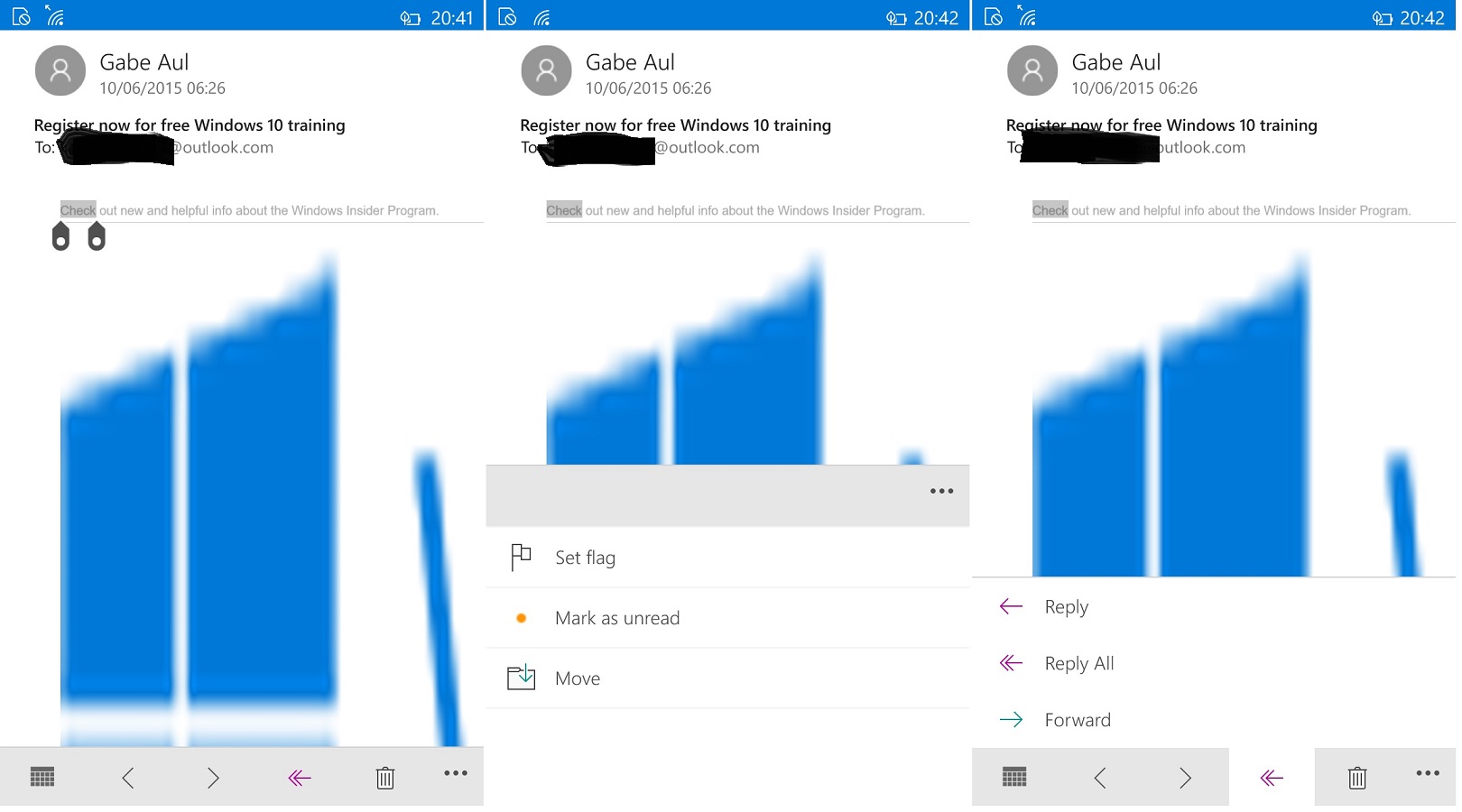
- Mail reading view has a new look and the quick action buttons have moved to bottom with all new icons and design.

 Outlook Settings:
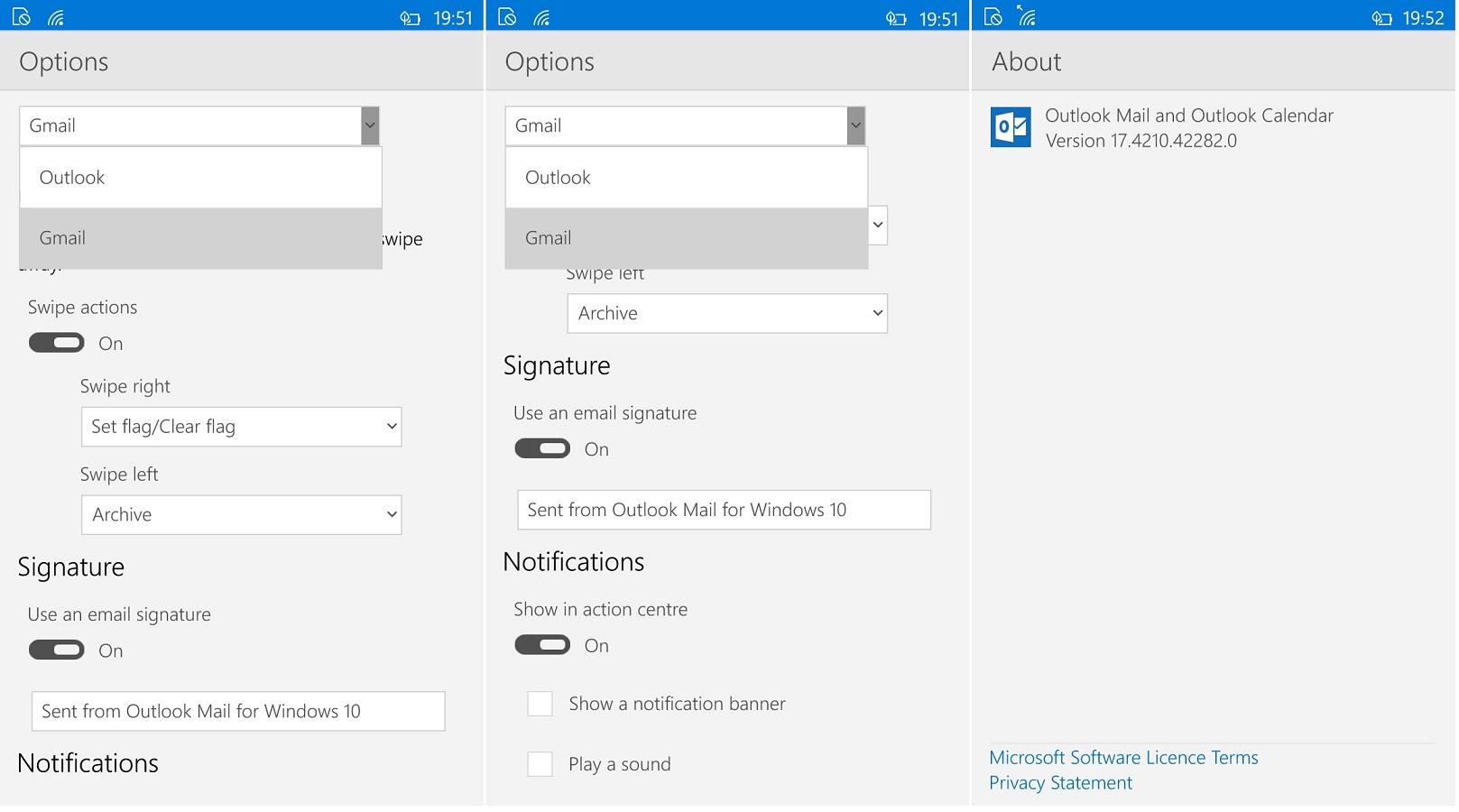
- Settings page now have more options like Background Picture (not working yet)
- Reading settings are now separated from options.
- Now you can set options for mailboxes separately

 Outlook Calendar:
- Calendar has a new quick action button that allows to swap between day and agenda view
- Tapping on the Month on top of the calendar brings Monthly view
- Settings show new color options and the settings page has a new look